Planning views
Plan today in detail, then step back to see the week or month ahead. Tasks stay attached to the days they belong to instead of disappearing into one long list.
Features
DayFlow keeps the useful parts of planning close together: what needs doing, when it fits, what repeats and what still needs attention tomorrow.
Free to start · Works in your browser
Feature groups
Each feature is there to make a real planning moment easier, not to add another layer of admin.
Plan today in detail, then step back to see the week or month ahead. Tasks stay attached to the days they belong to instead of disappearing into one long list.
Plans change. Edit a task, complete it or move it forward without losing track of what still matters.
Set up regular work once and let DayFlow place it on the right days. Skip one occurrence when needed without changing the rest of the routine.
Estimate how long work should take, run a timer when you begin and compare the plan with what actually happened.
Mark client work as billable when you need a usable record for invoicing.
Set an intention for the day, note what went well and leave yourself a clear starting point for tomorrow.
DayFlow is not only about completing more. Record how the day felt as well as what you managed to finish.
Send a task to another DayFlow user and keep the response inside the app. They can accept it, make changes first or dismiss it if it does not fit.
Create an account to keep your planning attached to your DayFlow profile and access it when you sign in on another supported browser or device.
Add DayFlow to your home screen for quicker access and a more app-like experience on supported devices.
Set reminder preferences for the browser and device you are using, where notification support is available.
Product previews
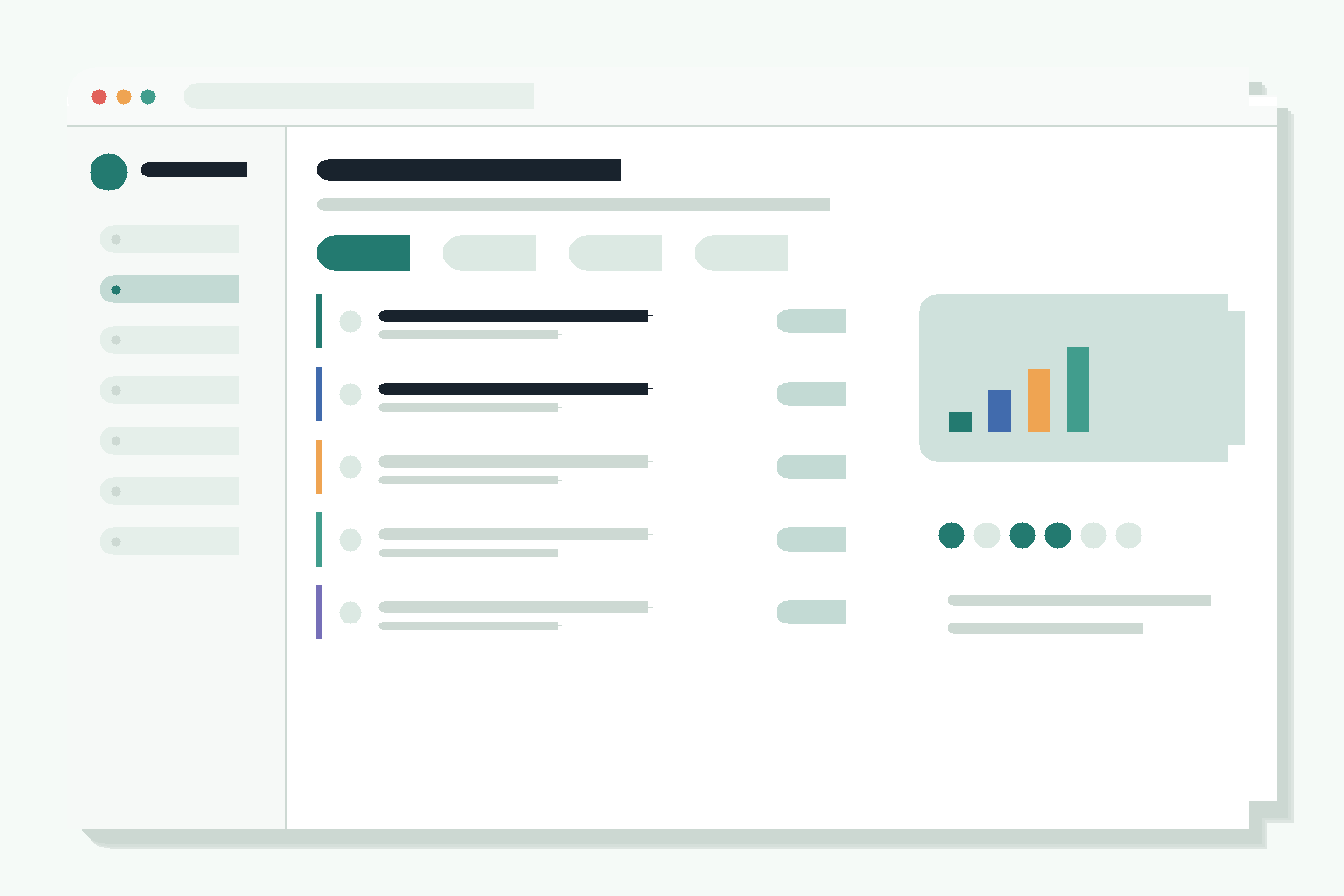
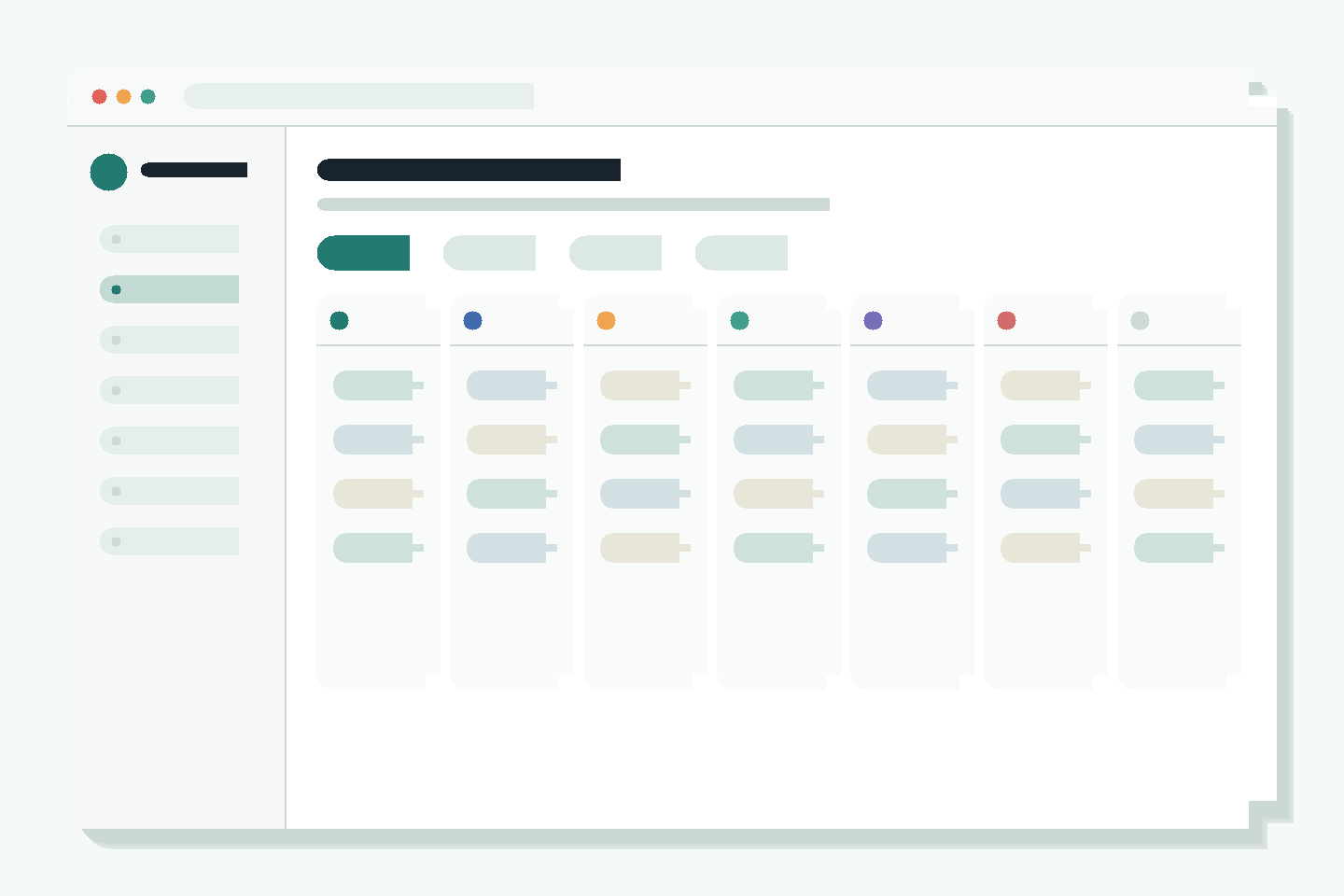
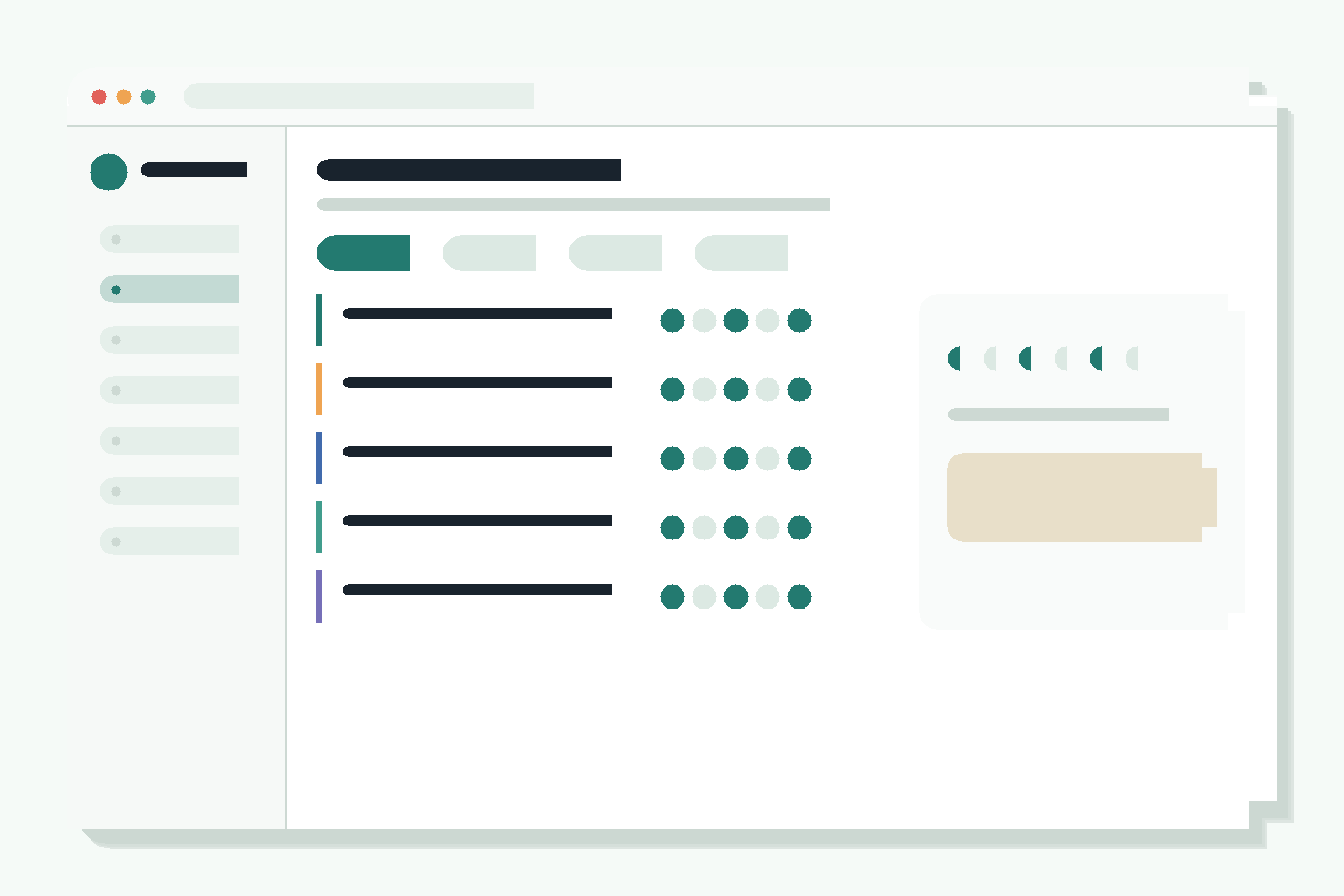
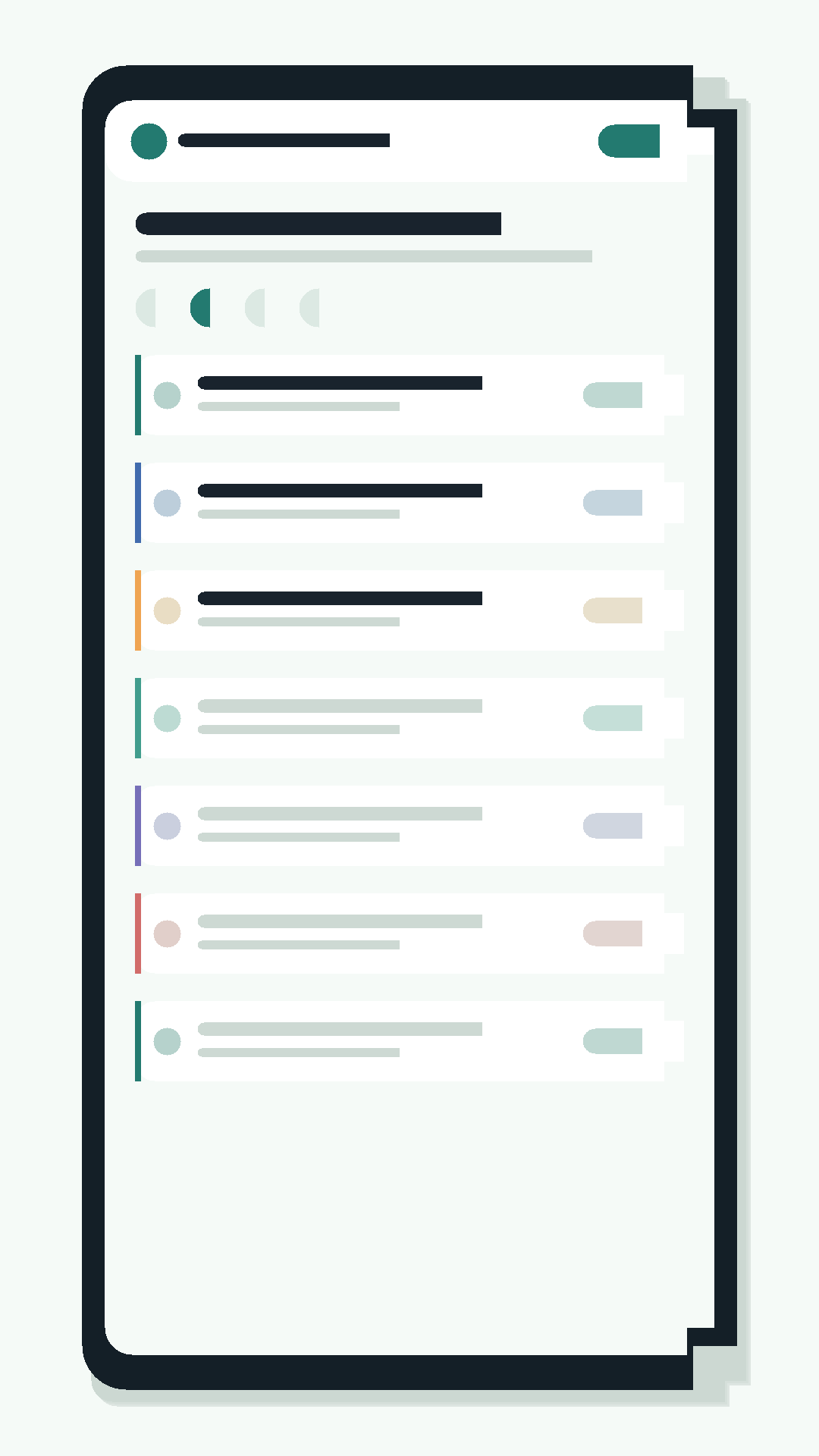
A quick look at daily planning, weekly planning, recurring routines and the mobile layout.
Start where you are
Start with the work that matters, build a realistic plan and adjust it as the day changes.
Start planning free